Every customer conversation in one thread: texts, calls, email and notes.
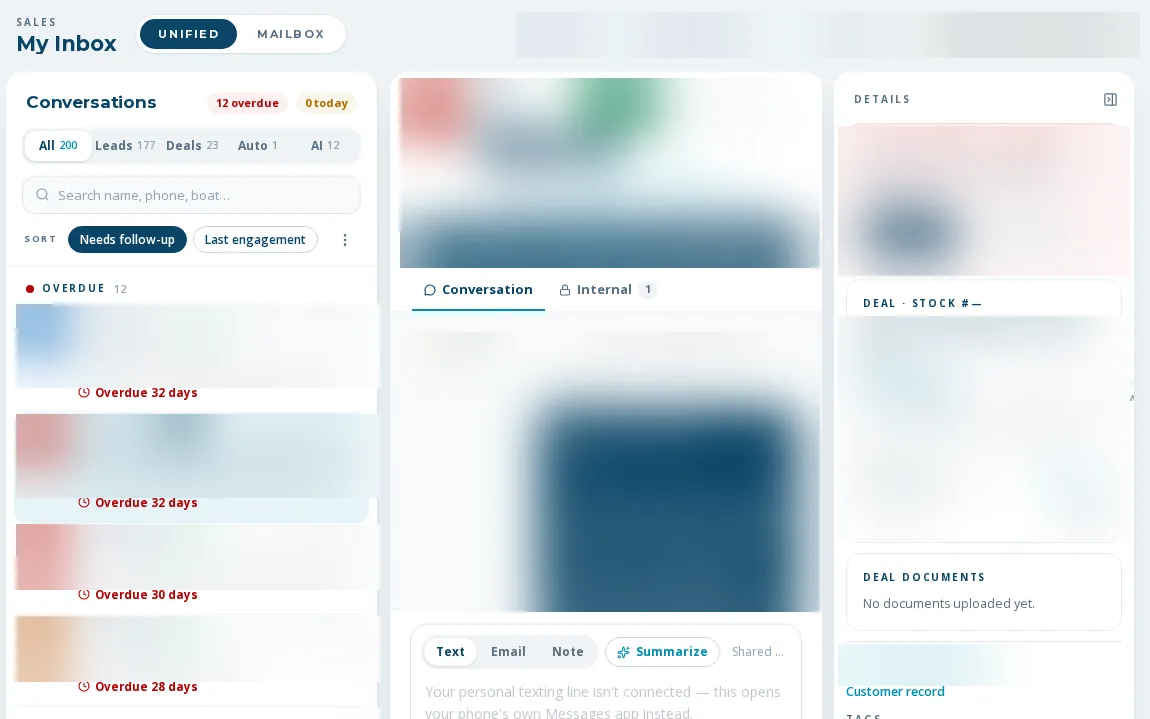
A boat dealer unified inbox that keeps the thread in one place. A rep opens one screen and sees texts, calls, email and notes for each person in time order, with the lead or deal beside it. Texts and calls go out from their own line and mailbox.
One record per person, whatever channel they used.
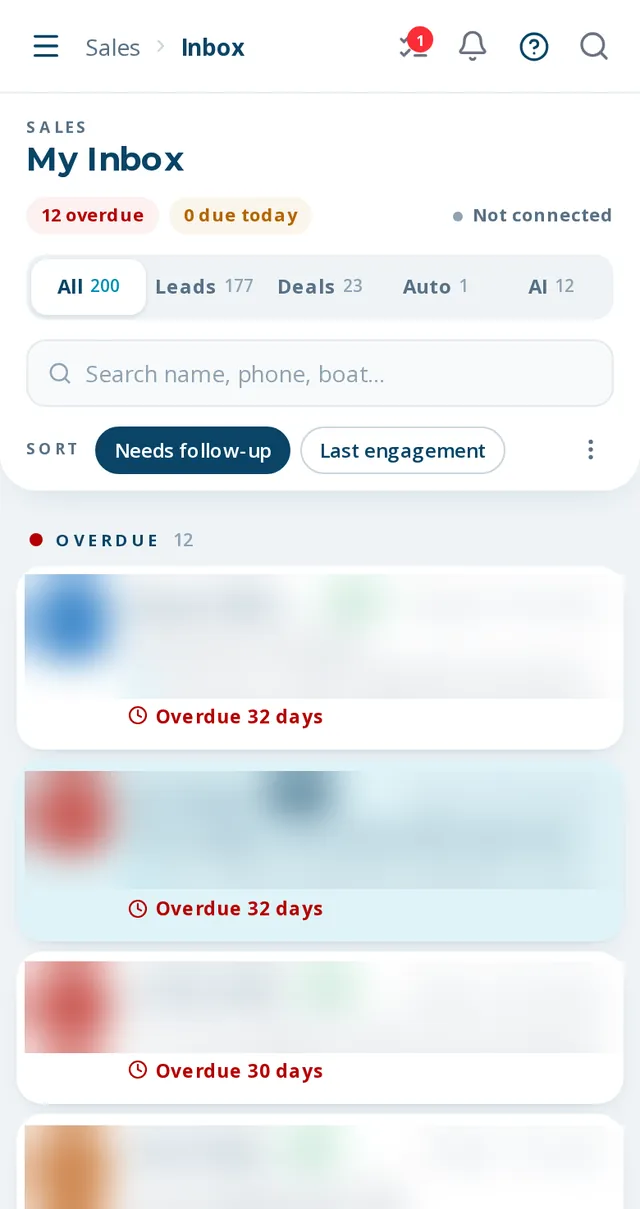
In a boat dealer unified inbox, the person is the unit, not the channel. The inbox merges SMS, calls, email (including synced Outlook mail), notes and tasks into one record per lead, customer or unmatched phone number. A rep sees only their own records; managers and admins see everyone's. A side panel shows the lead or deal, and an AI summary can be generated on demand.
- Unified view and a separate mailbox view, with channel chips for the rep's own line and mailbox
- Tabs for all, leads, deals, automated and AI-handled
- Text from the rep's own RingCentral line; send, reply and forward email as the rep with their signature
- Click-to-call that rings the rep first, then the customer
- 'Live on site now' dot for people browsing your website
- On-demand AI summary and next steps, read-only until the rep saves it
A rep's morning in the inbox
- 01
Open My Inbox
Reach it from the header. Records are sorted by latest activity, with anything due today always included.
- 02
Read the thread
Texts, calls, emails and notes appear in time order for that person.
- 03
Reply on the right channel
Text from your line, or send email from your own mailbox. Both are logged on the record.
- 04
Work the side panel
Open the lead or deal details, ask for the AI summary, or click to call.
increase in calls and texts on the customer record. Texting alone: up 310%.
What is not finished
Some controls are visible but not wired
A few buttons render in the inbox without doing anything yet.
It is not in the sidebar
The inbox opens from the header entry.
Needs your phone and mailbox connected
Own-line texting needs a RingCentral credential per rep and email needs Microsoft 365. A rep without a personal line falls back to their phone's text link, never the shared main line.
Reps see their own records
That is by design. A sales associate cannot browse a teammate's inbox.
What dealers ask about this
Reps text from their own business line through RingCentral, so the message is captured on the customer record. Nearly all outbound texts are reps texting from their own lines, which the system records.
Admins can switch to another staff mailbox. Everyone else sees only their own.
Yes, on the phone in the browser. There is no native app.