Know what was said to a customer, and by whom.
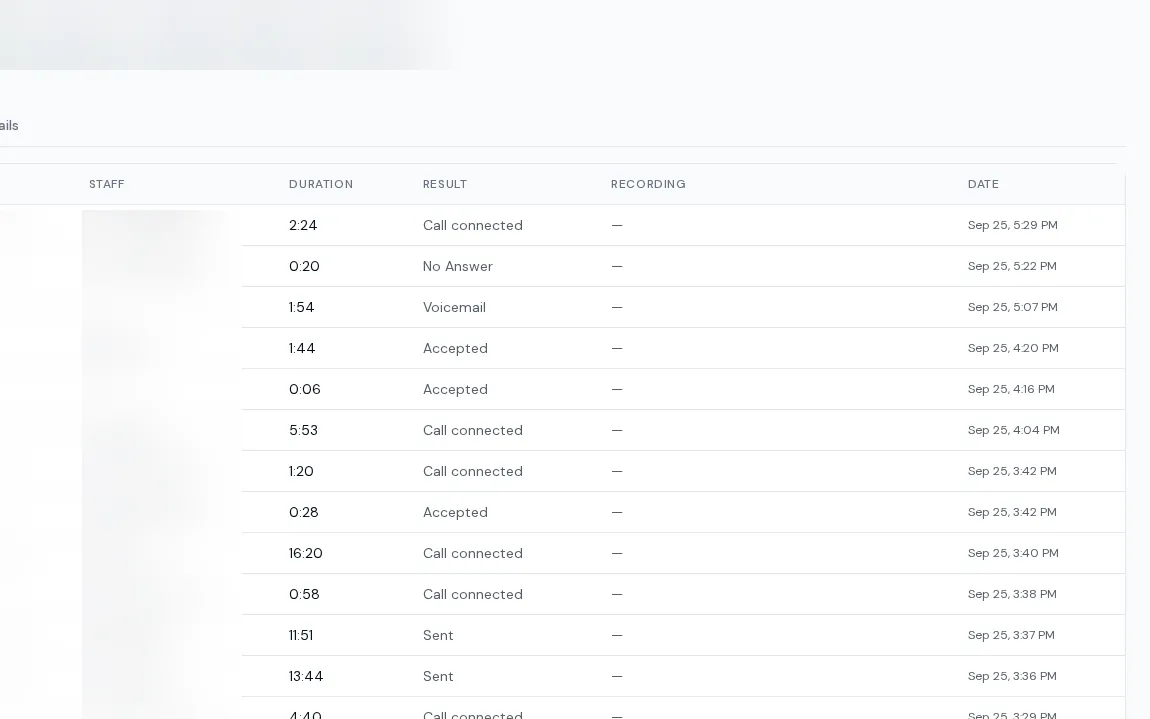
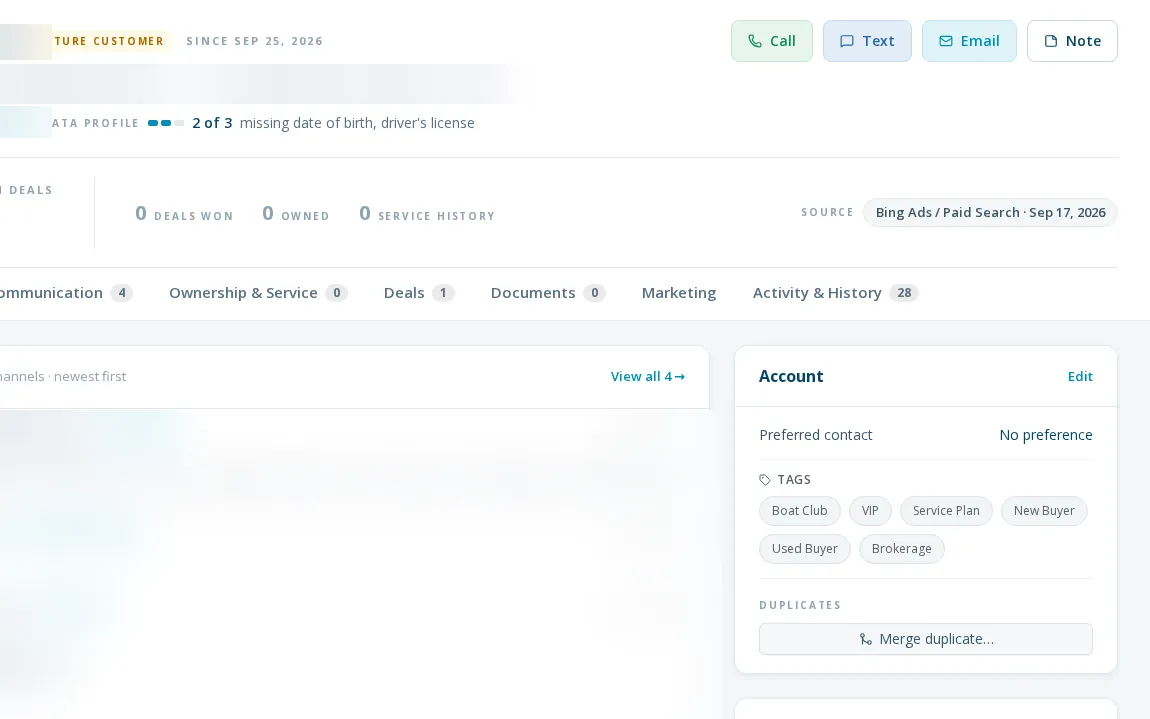
Boat dealership communication history, by customer and by person. Calls, texts, voicemails and emails are logged on the customer, linked by phone and address, with the staff member who handled them.
One log, tied to a name.
A boat dealership communication history should answer what was said, and by whom. Every call, text, voicemail and fax is linked to the lead, customer or staff member by phone number. Email history combines system email and synced mailbox mail. An admin history view has tabs for calls, texts and emails with direction, status, provider and inline recording playback, and rep attribution follows which line a person owned on which date.
- Timeline on every lead, customer and deal
- Calls tab with direction, duration, result and inline recording
- Texts tab with direction, message, provider and status
- Emails tab with direction, subject, provider and status
- Observability view across channels, with date and status filters
- Rep attribution by line, date-aware when a number changes hands
Finding out what happened
- 01
Open the record
The timeline shows everything with that person.
- 02
Or open history
Admins filter calls, texts and emails across the store.
- 03
Play the recording
Listen to the call inline.
- 04
Check delivery
See status on texts and emails, including failures.
increase in calls and texts on the customer record. Texting alone: up 310%.
increase in calls and texts tied to a named staff member.
Limits
History is admin-only across the store
Reps see their own records; the cross-store history and observability pages are for admins.
Two phone settings cards read 'coming soon'
Click-to-call and recording playback work elsewhere; the cards on the phone settings page are placeholders.
Polled texts and opt-outs lag
Texts synced by schedule, and STOP handling on them, can trail by up to about half an hour.
Line history is hand-kept
The mapping of which rep held which line and when is currently maintained in code for one dealership.
What dealers ask about this
Yes. Dealers see 68% more calls and texts logged, and more of them are tied to a named staff member.
Yes, with recordings, from the history and the record. Access is set by section.
The history and observability views mask contact details.