The deal is signed. Now finish the paperwork.
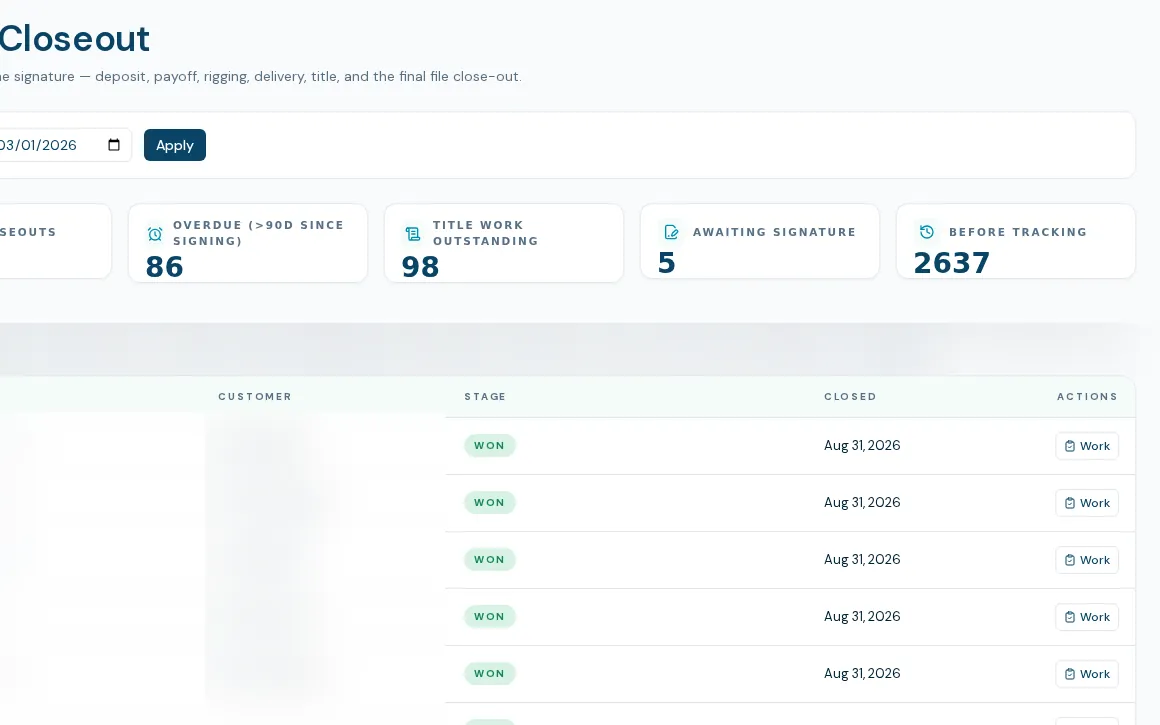
This is the boat deal closeout checklist for your office. Closeout tracks deposit, contract, payoff, rigging, delivery, title and admin close-out, and shows the office exactly what is still open on each sold boat.
A checklist the data can prove
The boat deal closeout checklist is built from the deal itself. Most closeout items are checked against what is recorded on the deal, not just ticked by hand. The roll-up runs proven, then ticked, then dispositioned as not applicable, then open. The office works from a queue rather than a spreadsheet.
- Seven dated phases: deposit, contract signing, full payoff, internal rigging, delivery, title work and admin close-out
- Eleven checklist items, from lead source recorded to title work complete, most proven from deal data
- Worklist with open closeouts, overdue, title work outstanding and awaiting signature
- Marking a deal Won records the buyer as owner, marks the listing sold, carries engines and trailers, and opens a title-work ticket
- Finalize is refused by the server while required items are missing
- Every write is logged under the person who made it
How closeout runs
- 01
A manager marks the deal Won
Closing propagates to the hull, the listing and the customer record and opens title work.
- 02
The deal appears in the queue
Office staff, title, finance and operations see it under open closeouts, with the phase it is stuck on.
- 03
Work the phases
Enter dates, the pre-delivery inspection result and notes, and tick or disposition each checklist item. Title status moves from started to complete.
- 04
Finalize
Once complete the deal is stamped closed out. It can be reopened if something turns up later.
What deal closeout does not do yet
Paperwork compiled is a manual tick
One checklist item, that the paperwork is compiled and attached, cannot be proven from data and is ticked by hand.
Some thresholds are fixed
The overdue threshold and the tracking start date are set in the software rather than in your settings.
Roles are set in the software
Closeout is open to admins, sales managers, general managers, title, finance and operations roles. That list is not yet editable per dealer.
Backlog shortcut skips the checklist
Bulk "mark already complete" exists to clear old deals and skips the checklist on purpose; use it only for history.
What dealers ask about this
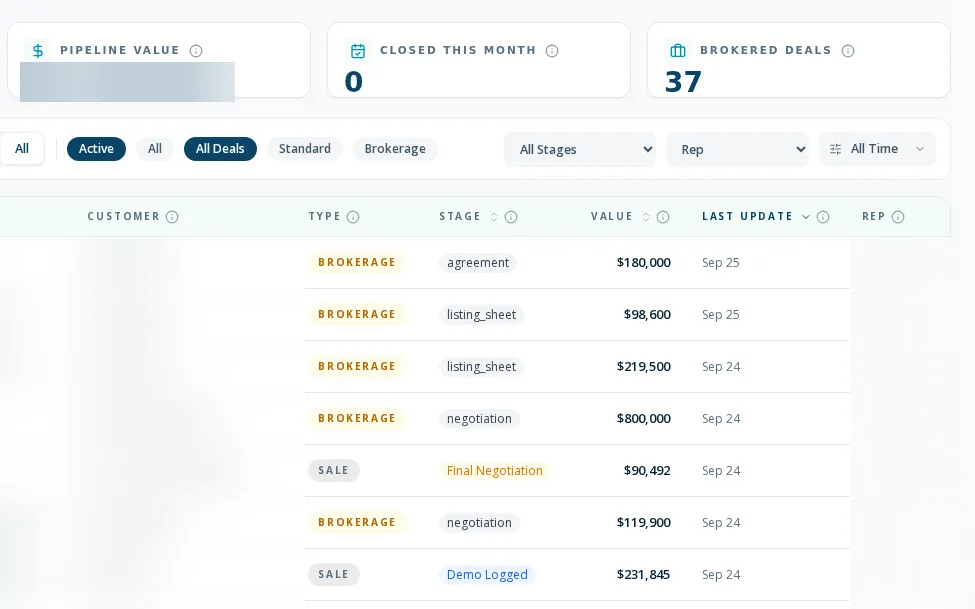
Brokerage has its own closeout rules and gates. See the brokerage page; the bulk backlog shortcut is disabled for brokerage rows.
No. The purchase agreement is uploaded and its signing date recorded. E-signature covers the brokerage documents only.
Only the closeout roles. Everyone else gets a hard 403 rather than a redirect.