Email your reps already send lands on the record, from their own mailbox.
Boat dealership email on the CRM, from each rep's own mailbox. Staff mailboxes sync to the lead and customer, and reps send, reply and forward as themselves with their own signature. A mass mailer sends one-to-many from the rep's mailbox with merge fields.
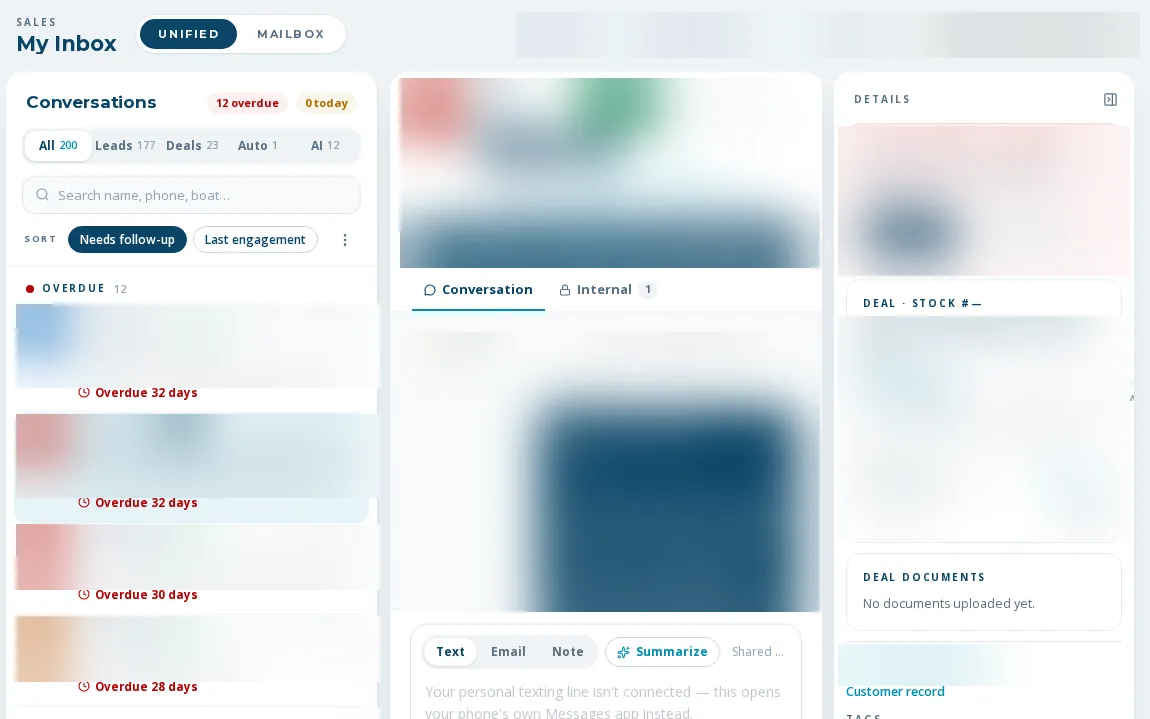
Managers can finally see the thread.
Boat dealership email on the CRM means no copying messages into a lead by hand. BoaterOS mirrors each in-scope Microsoft 365 mailbox and links messages to leads and customers by the participant's address. Replies come from the rep, not a no-reply address. Sync is two-way for read, flag, move and delete. An email from an unknown sender can create a lead.
- Mailbox sync with new-mail notifications, self-healing if the sync token expires
- One email timeline per lead, customer and deal
- Send, reply and forward as the rep, with their stored signature
- Read, flag, move and delete sync back to Outlook
- Mass mailer from the rep's own mailbox: manual or AI-per-recipient, personalized fields, suppression respected, reps mail only their own leads
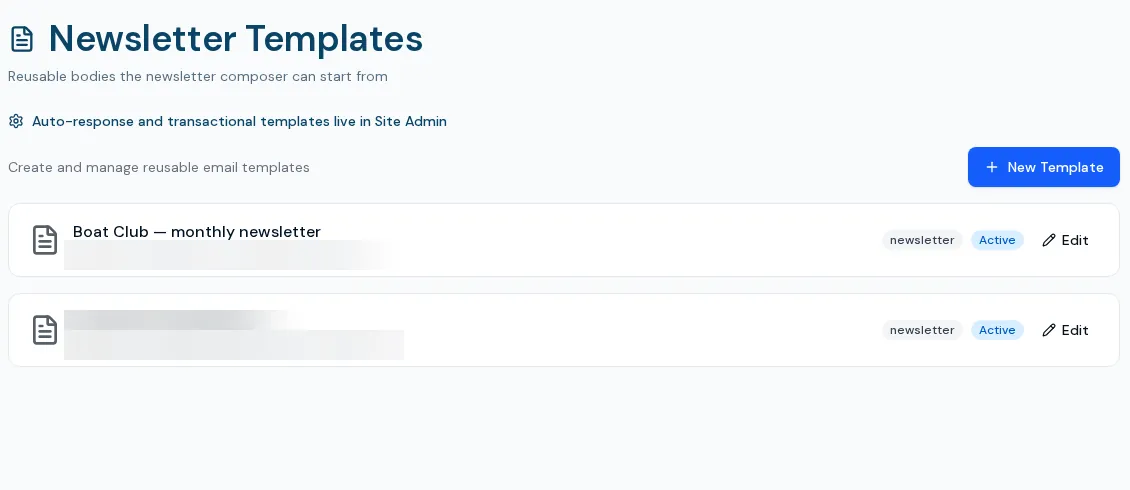
- One-click AI drafts grounded in the record, and a saved template library
From mailbox to record
- 01
Connect the mailbox
Microsoft 365 needs an admin consent step; onboarding support covers it.
- 02
Mail links itself
Messages match to leads and customers by address; an outbound email marks a lead contacted.
- 03
Send from the record
Use send email on a lead, customer or deal, or the inbox composer.
- 04
Mass mail a segment
Choose leads, write or AI-draft per recipient, review, confirm, and it sends from your mailbox.
Limits
Google Workspace support is in development
Today's mailbox sync is Microsoft 365 only. A dealer on Google Workspace is not a fit yet.
Staff sign-in is Microsoft too
There is no other staff login path today.
Mass mail is plain rep email
Sent from the rep's mailbox without a designed shell, and admin-gated. Real-world use is still limited.
A bounced address keeps getting automated follow-up
Bounce notices are not yet parsed for sales automations.
What dealers ask about this
Yes, from the rep's own address with their signature.
No. Newsletters go through a separate list-based tool with unsubscribe handling. See newsletters.
Unsubscribed and suppressed addresses are excluded before and again at send.