Built and deployed with the rubric editor and rep override; the background scoring is lightly proven, and we have no results yet on how well scores predict sales.
Rank your leads by how ready they are to buy.
Boat dealer lead scoring, on rules you write. You write what "ready to buy" looks like, in order. The AI places each lead on that ladder from its whole file, and the rep can overrule it at any time.
A rubric in your words, not a black box
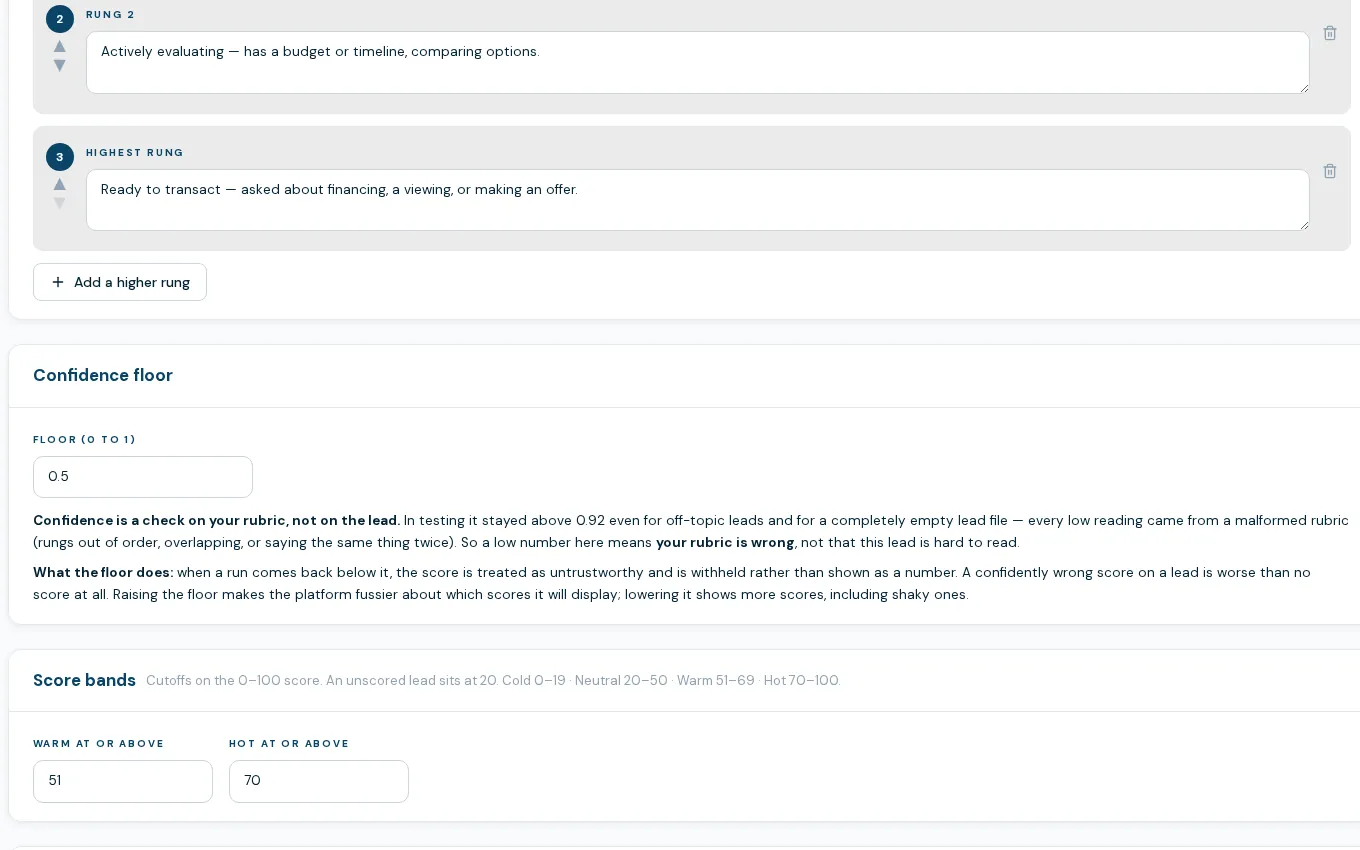
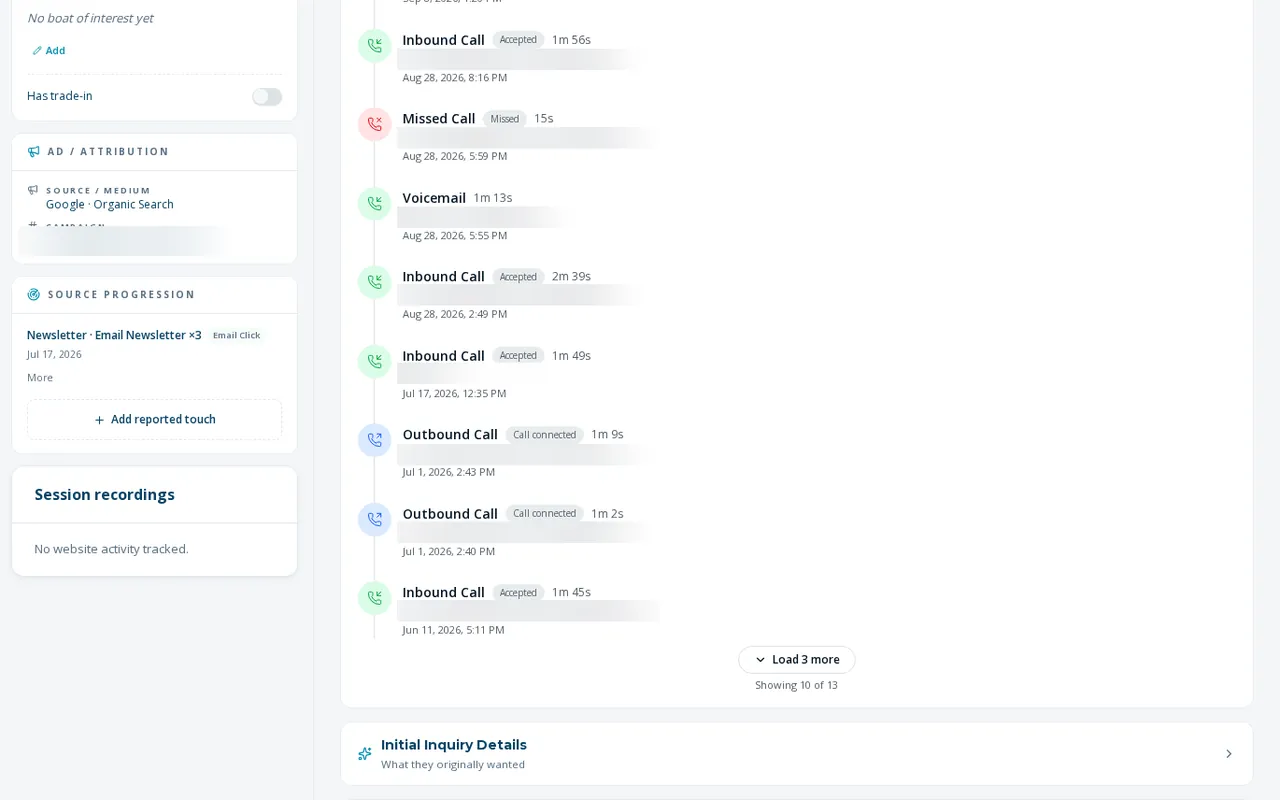
Boat dealer lead scoring works from a ladder you write, so the score reflects how your store sells. A manager or admin writes an ordered set of buyer-readiness steps, worst to best. The AI reads a lead's inquiry, notes, touches and communications and places it on that ladder. The result is a 0 to 100 score with a reason, shown as a slider on the lead file and a color band on the worklist.
- Editable ladder of rungs, worst to best, with plain-language text for each
- Confidence floor: a reading the AI is not sure about is discarded, not stored
- Warm and hot cutoffs you set on the 0 to 100 scale
- Test the rubric on a real lead or on pasted text before you save it
- A rep's manual score overrides the AI permanently; clear it to hand the lead back
- Leads that already bought are never scored
How scoring works
- 01
Write the rubric
Admins set the rungs, the confidence floor and the warm and hot cutoffs on the lead scoring settings page.
- 02
Test it before it goes live
Run the unsaved rubric against a real lead or pasted text and see the score, band, confidence and the probability the AI gives each rung.
- 03
The AI scores in the background
A recurring background job scores leads that have no manual score, reading the lead's whole file. It never scores during intake and never writes a score if the AI fails or is unsure.
- 04
Reps see it and can override it
The score shows as a slider on the lead file and a tint on the worklist. Set your own and yours stays.
What lead scoring does not do yet
No measured lift yet
Scoring is built and tested, but there is no result to show that a high score predicts a sale. Treat it as a way to sort a worklist, not as a forecast.
Scoring runs in batches
The background job scores a limited number of leads per run, so a brand-new lead may sit unscored for a few hours.
Admin only to change
Only admins can edit the rubric and its settings. Reps can set their own score on a lead but cannot change the rubric.
What dealers ask about this
No. A rep's manual score wins over the AI and stays through every re-score until the rep clears it.
Yes. The score carries a reason, and in the rubric tester you can see how the AI weighed each rung for a given lead.
No. You test the rubric on real leads before saving, and a score below your confidence floor is thrown away instead of shown.