Built and deployed but switched off by default until a dealer turns it on, and it has very little production use so far.
Follow-up that sounds like your rep and stops when the customer answers.
Boat dealer sales automation that sounds like your rep. A rep puts a quiet lead on a series. Each touch is written from that lead's file, sent from the rep's own mailbox or phone line, and paused on any real contact.
Drip that reads like a person wrote it
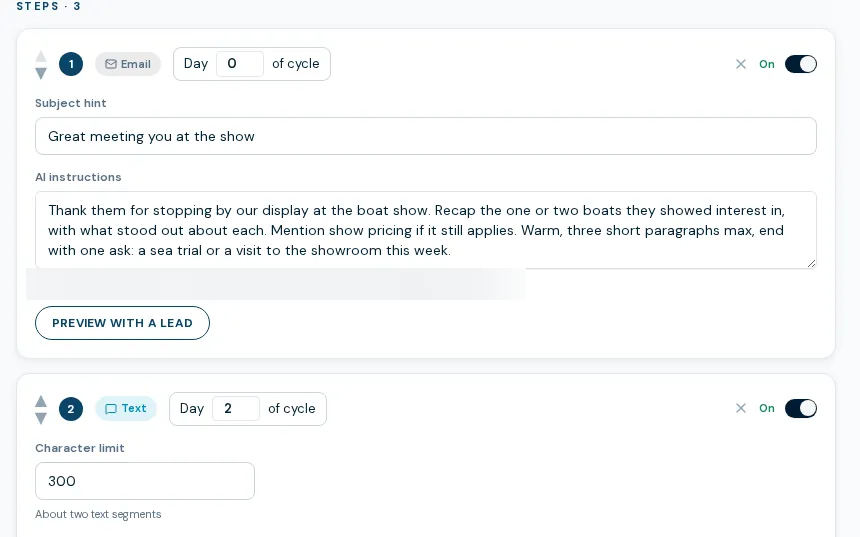
Boat dealer sales automation here means sequences a rep chooses to start, not blasts to a list. You build a sequence of email and text steps with day offsets. When a rep enrolls a lead, the system checks every fifteen minutes and drafts the next touch from that lead's inquiry, notes, the boat they asked about at today's price and their recent browsing. It sends as the rep, with the rep's signature and no automation branding.
- Email and text steps, one-time or recurring, with the first send immediately or after a wait
- Sends from the rep's own Microsoft 365 mailbox or RingCentral line, never a no-reply address
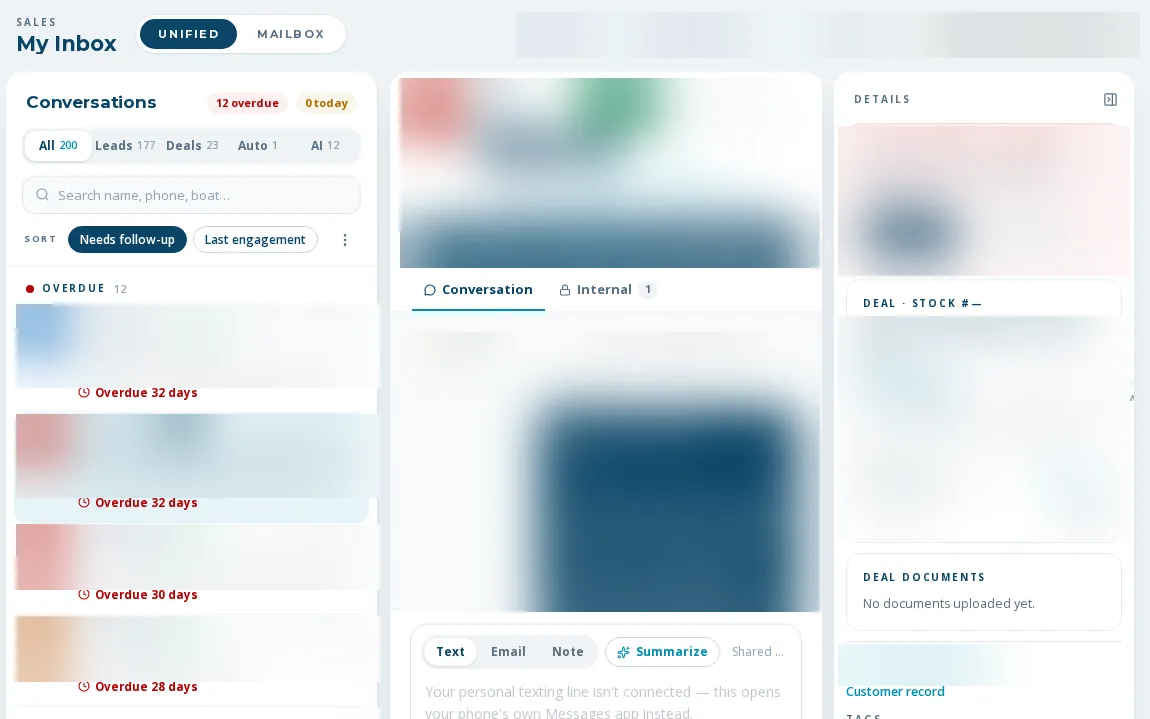
- Pauses on a reply, a call, a text, or when the rep reaches out themselves
- A reply or call becomes a task for the rep
- Skips a step instead of sending it if the draft is too long, leaks a placeholder, or mentions a brand the rep's store cannot sell
- Editable AI instructions, enrollment threshold and dealership holidays; one master switch for all automated sends
How a follow-up series runs
- 01
A manager builds the sequence
Set the steps, the channel for each, the day offsets and the AI instructions, and preview a draft before activating.
- 02
A rep enrolls a lead
Two clicks from the lead file. A lead has to have an assigned rep first.
- 03
The system drafts and sends
Every fifteen minutes it checks for due steps, writes each from the lead's current file, and sends as the rep.
- 04
It stops when a person takes over
Any real contact in either direction pauses the run. A reassigned lead ends the old run, and the new rep starts fresh.
What sales automations do not do yet
Off until you turn it on
The master switch ships off. No outcome claims are made for it; it has been used very lightly so far.
A bounced address can keep getting touches
Delivery failure notices are not parsed yet, so a hard-bounced email address is not detected automatically. Do-not-email lists are respected.
Needs a mailbox and a texting line per rep
A step is skipped if the rep has no Microsoft 365 mailbox or no RingCentral texting line set up. It never falls back to a marketing number.
Not a marketing blast
These are 1:1 follow-ups on assigned leads. Newsletters and bulk texts are separate features.
What dealers ask about this
The messages are sent as the rep, with their signature, and carry no automation branding or marketing footer. That is why the pause rules matter: any reply or call stops the series.
Yes. The AI instructions are editable per dealership, you preview drafts before a sequence goes live, and a content check skips any step that names a brand the rep cannot sell or leaks a placeholder.
A reassigned lead ends the old run and it cannot be resumed. The new rep starts their own.