E-signature is live for three brokerage document types only; document storage and OCR are live, with OCR limited to admins.
Signed paperwork files itself back to the deal.
Boat dealer document management and e-signature, with the limits stated. Send brokerage documents for signature, get the signed PDF filed on the deal, and keep documents on the customer and boat. E-signature is live for a narrow set of documents today.
Document management, said precisely
Boat dealer document management and e-signature are covered here with their limits up front. Full document management here means three things. E-signature is sent from the deal for registered document types and the signed PDF is filed back automatically. Documents are stored on customer, deal and boat records in a private store. OCR reads identity and closing paperwork to suggest fields, which a person reviews.
- E-sign for the brokerage listing agreement, a co-owner listing agreement and the Florida power of attorney
- Readiness check lists missing fields before sending, and lets staff fill them in
- Listing agreement and power of attorney can go out in one signing session
- Signed PDF filed to the deal, checklist slot ticked, deal stage advanced, rep alerted
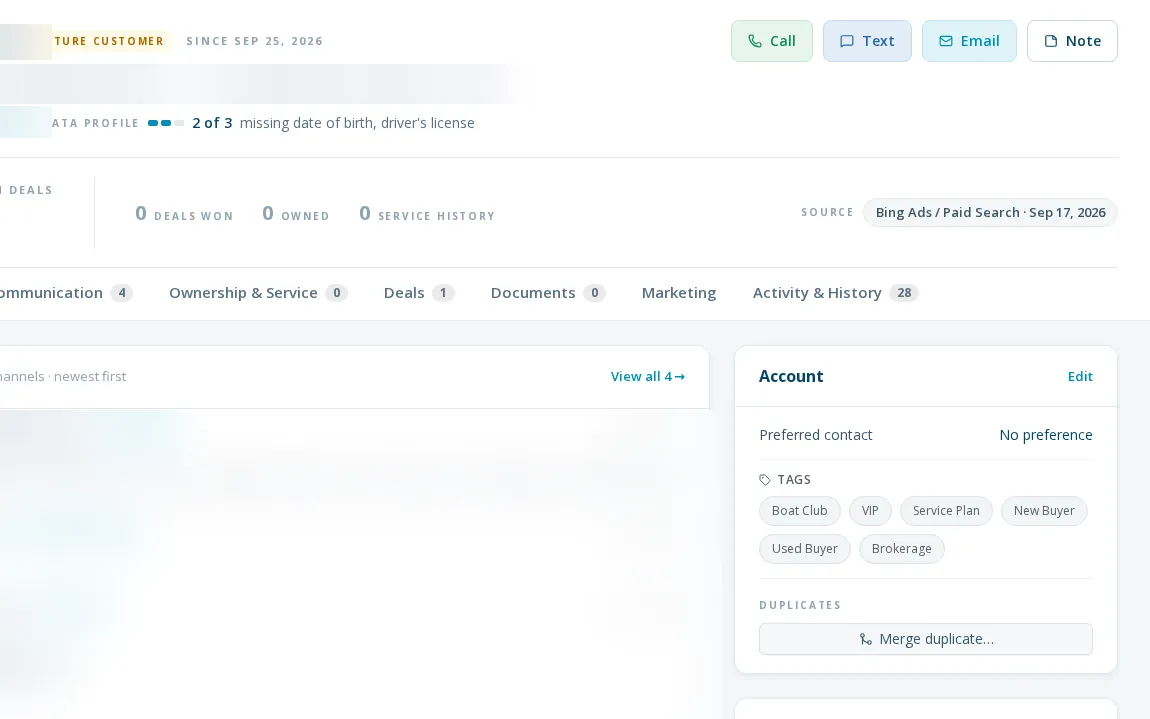
- Deal documents in a folder per deal; customer uploads and a document repository per boat
- OCR of closing packages and titles suggests details for review before anything is applied
How it works today
- 01
Check readiness
The deal shows what is missing for a document. Fill it in and it writes back to the deal, boat and customer.
- 02
Send for signature
By email or in person through the seller's phone-first link, from your own email template.
- 03
It files itself
On completion the signed PDF is attached to the deal and the checklist updates. The rep and signer are emailed.
- 04
Scan identity documents
An admin can run OCR on a customer's paperwork to suggest date of birth, license and address, then accept or reject each field.
What it doesn't do yet
Three document types only
Only brokerage documents are set up for e-signature. Buyers cannot e-sign the purchase agreement; that is uploaded.
The power of attorney is a Florida form
Other states would need their own templates.
OCR is admin-only
Identity scanning on customer files is limited to admins, and results are suggestions, not automatic writes.
What dealers ask about this
The purchase agreement is uploaded today. E-signature covers brokerage documents now, and purchase agreements are a known gap.
Onto the deal, in a folder for that deal, with the checklist item ticked.
Sensitive files sit in a private store and open only through an authenticated link.