See who is on pace while the month is still open.
This is the sales manager dashboard for boat dealers. A manager console that starts with what needs attention today and works out to team pace, stuck deals and forecast.
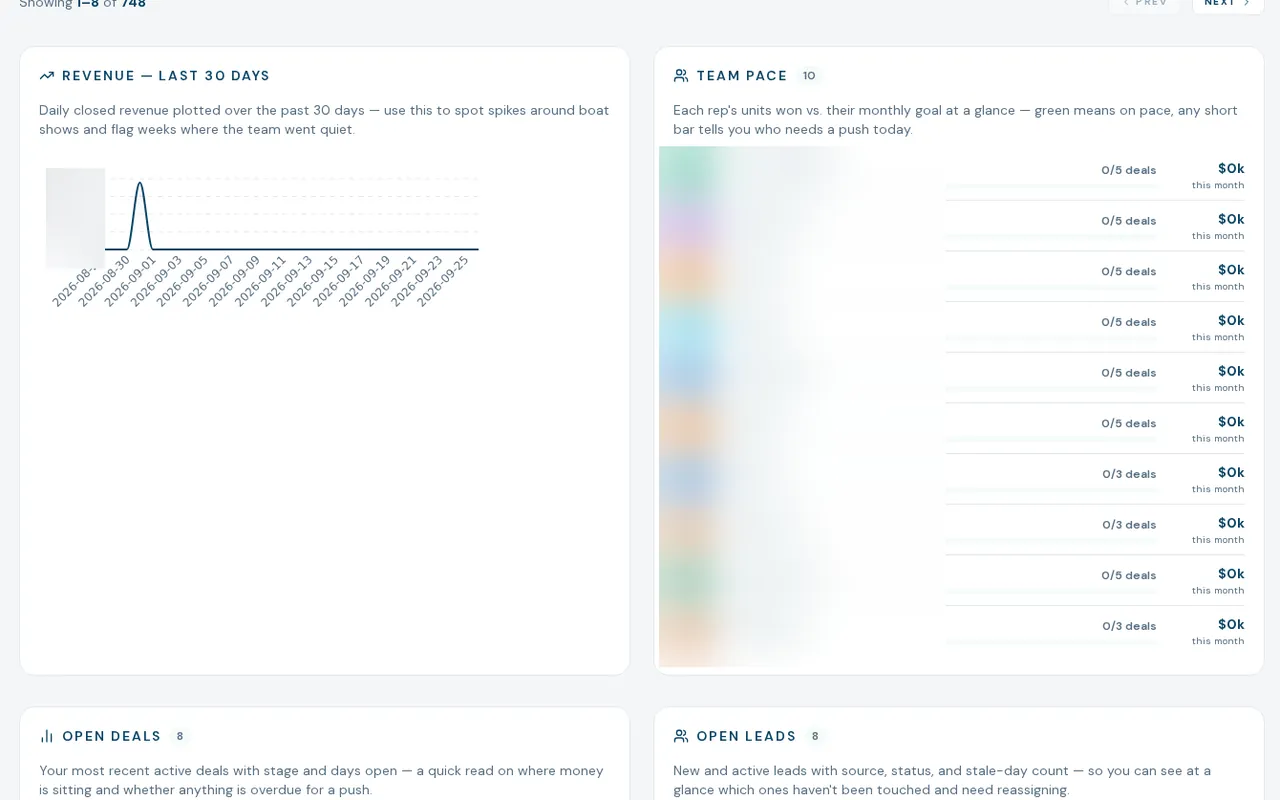
A morning scan that replaces the manual one
The sales manager dashboard for boat dealers is a console, not a report. The console has seven tabs: Today, Team, Pipeline, Forecast, Inventory, Sources and Settings. Today lists new leads, uncontacted leads, stale leads and overdue deals. Revenue counts sale price only, and a brokerage deal counts its commission.
- Needs-attention list with four rules and urgency, plus team pace against unit goals
- Rep scorecards: units, revenue, close rate, contact rate, median first response, demos and deal size
- Pipeline with stuck deals by stage threshold, recycle lane and probability-weighted value
- Forecast against company goal, with a straight-line run rate per rep
- Aging inventory, lead interest by model, financing follow-up and trade-in pipeline
- Source volume and quality, speed-to-lead by source and a lead funnel
How managers use it
- 01
Start on Today
Work the needs-attention list: uncontacted leads, stale leads and deals past their stuck threshold.
- 02
Check the team
Scorecards and a lead-load view show who is heavy, who is light and who is under the contact and response targets.
- 03
Look ahead
Pipeline and Forecast show what is likely to close and the gap to goal.
- 04
Set the targets
Company goals, per-rep unit targets, stuck thresholds and the response-time target live under Settings.
What the Sales Manager console does not do yet
Admin-only today
Managers and general managers without admin rights cannot open it yet.
Source ROI is empty
Cost per lead and return by source show "No spend data" because there is no ad-spend table behind them.
Some controls are placeholders
The quarter and year leaderboard toggles, the Coach button and forecast show markers are not wired. Location goals are stored but not read.
A few labels read wider than they compute
Team close rate is lifetime though described as monthly, and per-rep "Projected" is a weighted pipeline, not a run rate.
What dealers ask about this
You set company goals and per-rep unit targets in Settings. The rep default is the company goal divided by headcount unless you override it.
The source table shows volume, contact, close and booked revenue today. Cost per lead and ROI are placeholders.
Yes. Revenue counts a brokerage deal's commission and the buyer side of a brokered resale books zero.