Manual and bulk assignment, rep-card routing and alert lists are live; after-hours assignment is built but ships off, department routing only suggests, and the Shark Tank and Qualified Leads tabs are planned.
Get every lead to a named rep, and know which parts are automatic.
Boat dealer lead routing, with no guessing about what is automatic. Some routing runs automatically and some is set by a manager. This page says which, so you know what your team does by hand.
Routing that runs today, and routing that does not
Boat dealer lead routing is part automatic and part manager decision. A lead can reach a rep three automatic ways today: the rep's own business-card page, a rep-forwarded email, and a promo form with a configured owner. Everything else is assigned by a manager, one at a time or in bulk. You choose who gets the new-lead alert email.
- Rep business-card pages (your domain plus the rep's name) with a QR code and a contact card; a lead submitted there is assigned to that rep, enforced on the server
- Rep-forwarded emails are assigned to the forwarding rep
- Managers and admins assign one lead or up to 100 at a time, with an optional notice to the rep; every transfer is recorded with who did it
- A new-lead alert list you control, and an email plus in-app and push alert to the rep when a lead is assigned to them
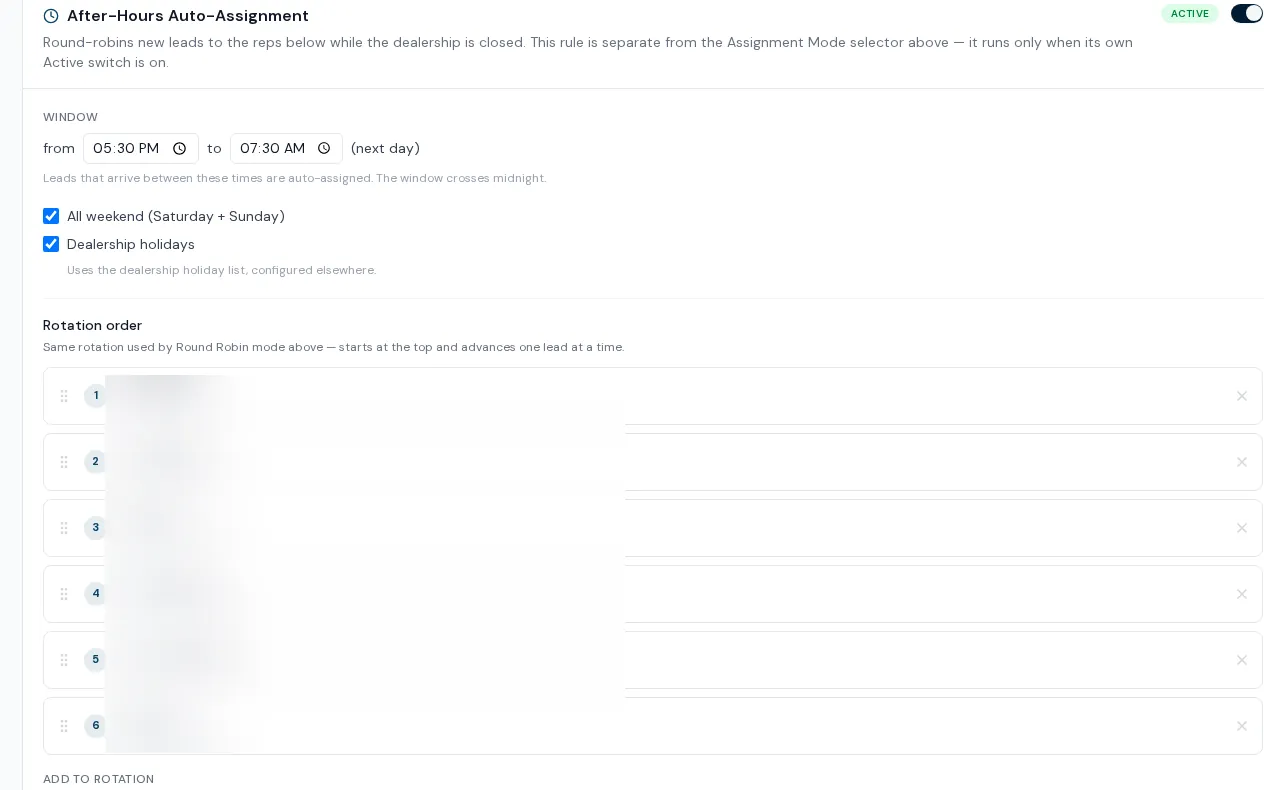
- Optional after-hours, weekend and holiday assignment across a rotation you set, built but off until you turn it on
- AI can suggest whether an inquiry belongs to Service or Parts, for staff to review
How routing works
- 01
Set who is alerted
Admins choose the staff who receive an email for each new lead, so it is never the whole floor.
- 02
Let the automatic doors do their part
Cards, forwarded emails and owned promo forms assign on arrival. The rep is notified.
- 03
Assign the rest by hand
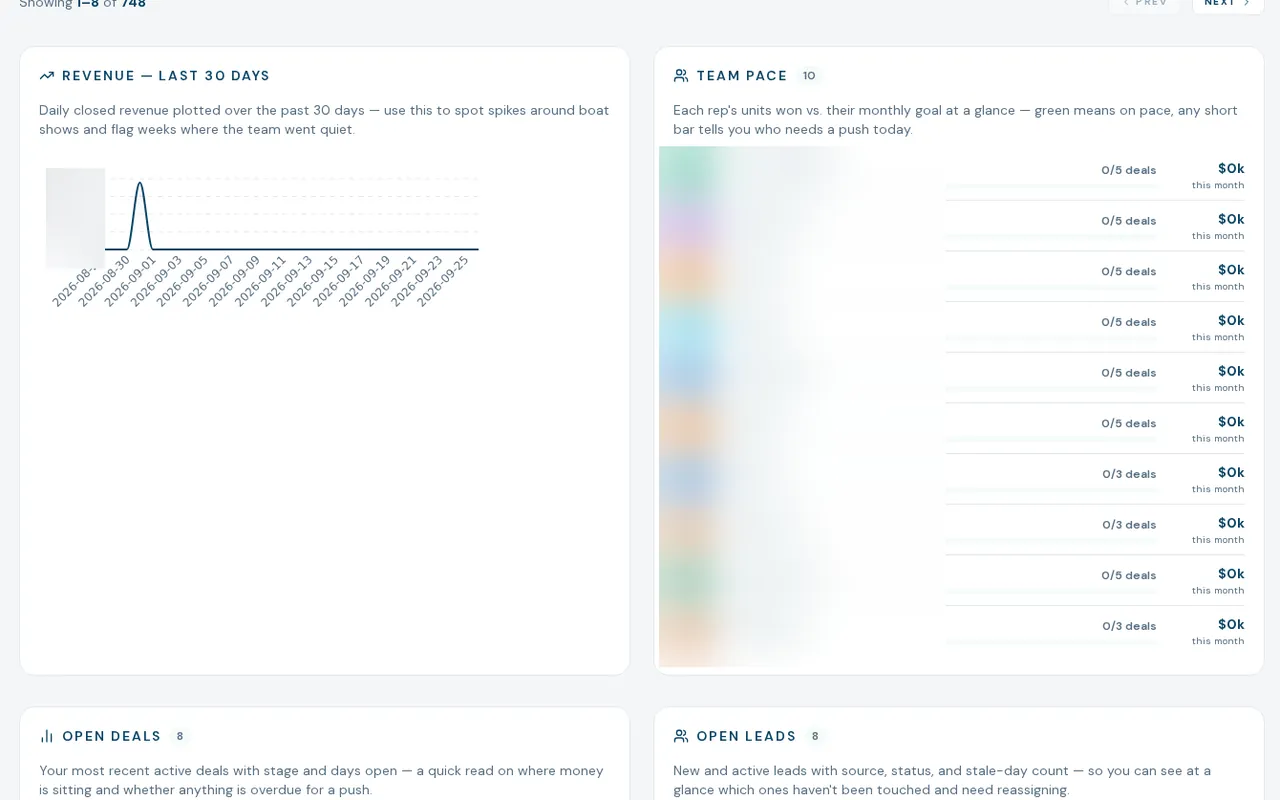
Unassigned leads show in their own KPI card and filter. A manager assigns from the lead file or in bulk from the worklist on desktop.
- 04
Optionally turn on after-hours assignment
Set the closed-hours window, whether weekends and holidays count, and the rotation order. While the dealership is closed, a new unassigned lead goes to the next rep in line and that rep is told.
What lead routing does not do yet
After-hours assignment ships off
It is built and tested, and a dealership has to switch it on. Results so far are early and provisional, so we do not promise a response time.
No daytime auto-assignment
The assignment mode picker for round robin and custom rules is not wired up. Outside the automatic doors above, daytime leads arrive unassigned and are claimed by hand.
Department routing only suggests
The AI that reads an inquiry and votes Sales, Service or Parts runs in review mode. Nothing moves on its own.
Shark Tank and Qualified Leads are roadmap
Both tabs exist as coming-soon panels. The idea for Shark Tank is leads left uncontacted for 60 days opening up for any rep to claim; that engine is not built.
What dealers ask about this
No. Round-robin exists only for after-hours, weekends and holidays, and only when a dealership turns it on. Daytime leads are assigned by a manager or by the automatic doors listed above.
Bulk assignment is manager and admin only on the server, even though the control may be visible to reps. Single assignment from the lead file is also a manager action.
No. It gets a lead to a named person and tells them. How fast they respond is still up to the rep, and the Lead Funnel report shows the first-response time so you can hold the team to it.