Every lead in one list, labeled and followed up.
This is boat dealer lead management software, and the start of your CRM: web forms, chat, calls, texts, marketplace and manufacturer leads in one list, labeled with where each came from and who has it.
Every lead lands in one list, already labeled.
Lead management for boat dealerships starts with one list. Web forms, chat, phone calls, texts, marketplace leads, manufacturer leads and a rep's own QR code all arrive in the same place. Spam and solicitors get archived before anyone calls them.
- A worklist filtered to each rep's own leads
- Create a lead by hand from any customer
- Spam kept out of reps' lists
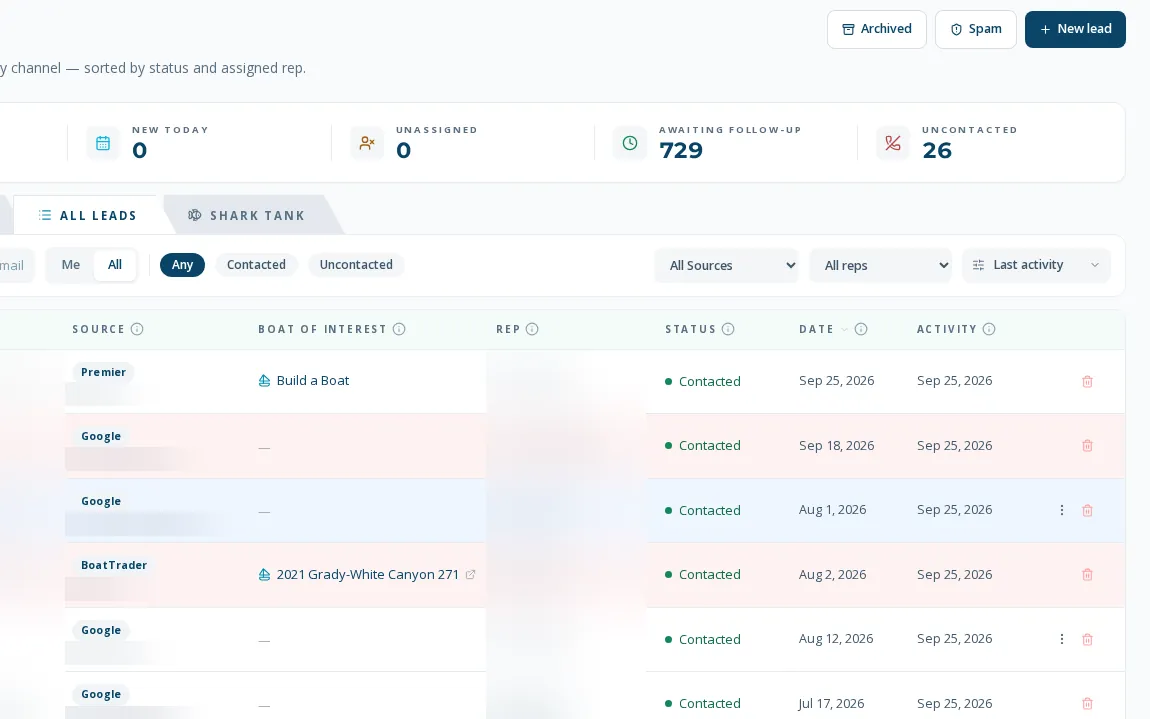
Two labels on every lead.
How they heard about you, and how they reached out. The label goes on at the first click, so the list can be split by the marketing that produced each lead.
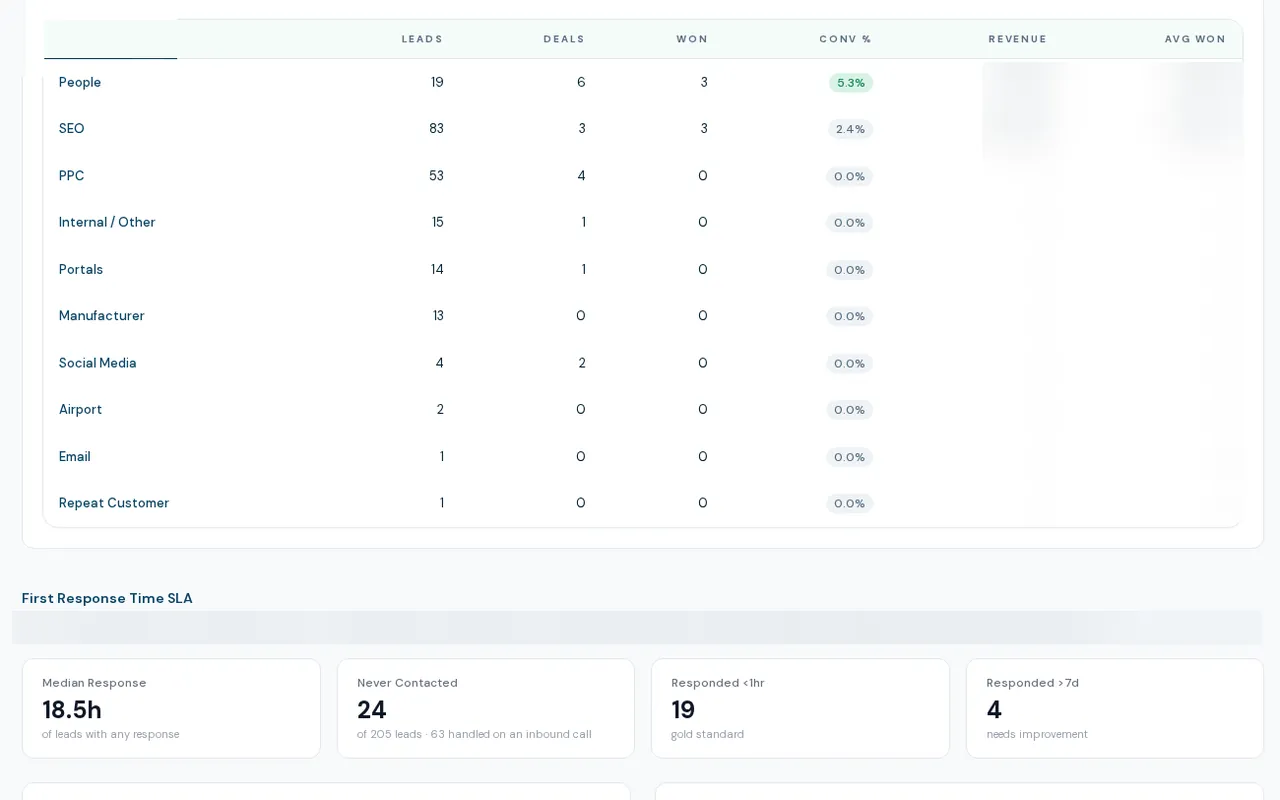
Managers assign it. The right people get the alert.
Leads are assigned to reps by hand, and new-lead alerts go to the people you choose. Automatic after-hours and weekend assignment is built but ships switched off, so it runs only where a dealership has turned it on.
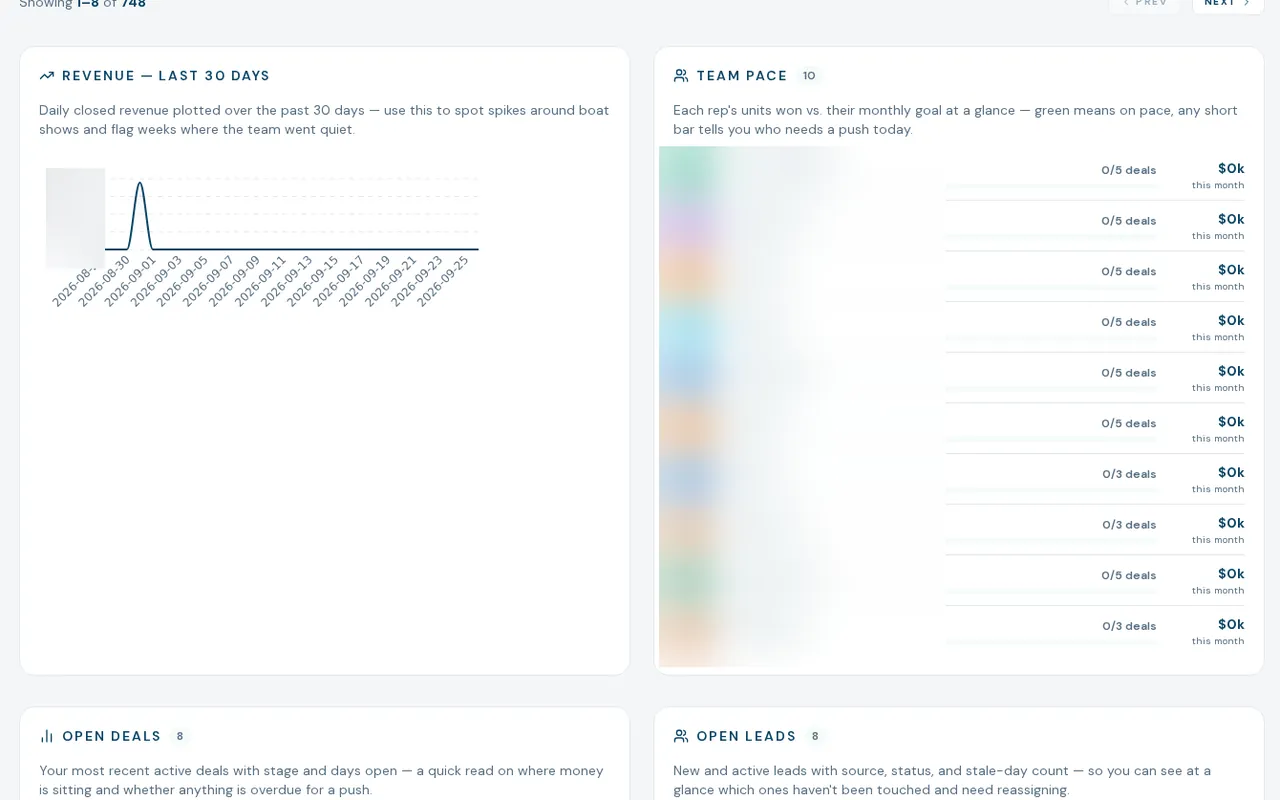
Every call, text and email lands on the lead's file.
Calls and texts from each rep's own RingCentral line and email from their own Microsoft 365 mailbox are logged on the customer record. Nobody has to remember to log a call. When a website visitor fills out a form, the system connects them to the boats they looked at before.
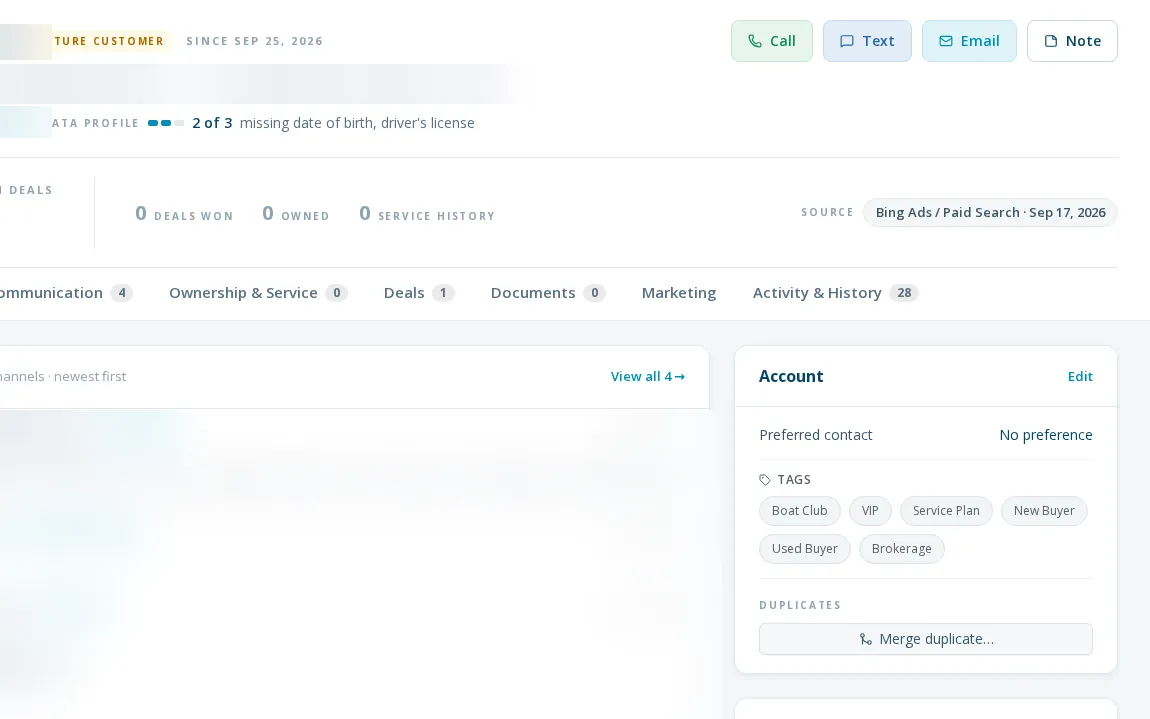
Follow-up series that stop when the customer answers.
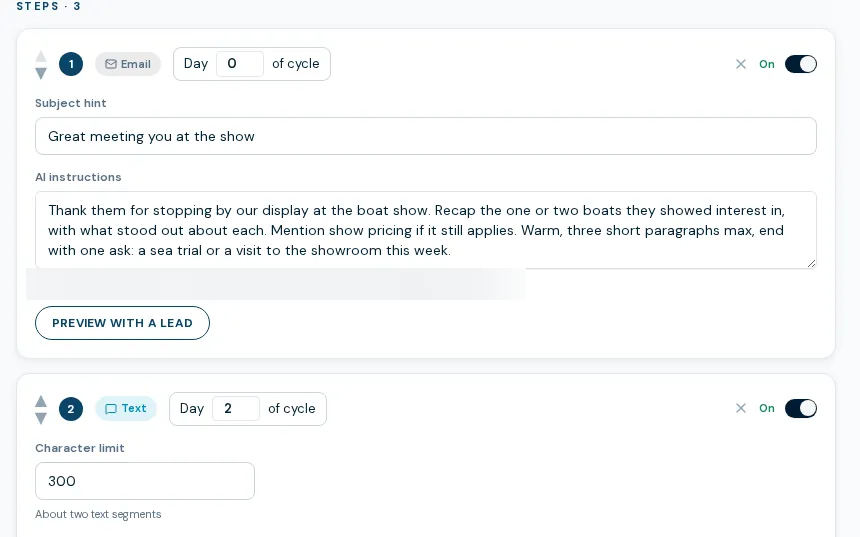
A quiet lead can go on a follow-up series in two clicks. Each message is drafted from that customer's own file, sent as the rep, and stopped the moment the customer replies, calls or texts. Sales Automations ship switched off, and you decide when to turn them on.
Every feature in Lead management
- Leads One worklist for every inquiry, with source, rep, boat of interest and a full lead file behind each row. Live
- Lead capture Forms, chat, calls, texts, portals and manufacturer leads land in one pipeline, labeled by source. Live
- Lead scoring An AI reads each lead against a buyer-readiness rubric you write, and a rep's own score always wins. Live, limited use
- Lead routing Rep business cards route leads to the rep, managers assign by hand, and after-hours is built but off. Partial
- Sales automations Put a quiet lead on a follow-up series in two clicks; AI writes each touch and it stops on a reply. Live, limited use
- Deals A pipeline from working deal to won, with manager-gated stages, trade status and a deal file behind each card. Live
- F&I worksheet A retail worksheet on the deal that does tax, trade and payoff math in whole cents, with admin-only edits. Live
- Deal closeout Seven dated phases and an eleven-item checklist, with queues for open closeouts, title work and signatures. Live
- Trade-ins AI market research on a trade, a manager approves the value, and the approved trade flows into the deal. Live
- Brokerage Sign the seller from a phone link, keep the paperwork, and book only your commission across two linked deals. Live
- Sales Manager A seven-tab console: attention list, team scorecards, stuck deals, forecast, sources, inventory and goals. Live
- Sales dashboard A live sales home for each rep or the whole team: leads, deals, pipeline, source mix and rep activity. Live
From a working dealership.
increase in leads arriving with a known source. Organic search turned out to be the #1 lead channel.
faster first response to new leads, depending on the baseline.
of leads matched to what they browsed before reaching out.
What lead management does not do.
Follow-up ships switched off
Nothing goes out in a rep's name until a manager turns it on. We have no results to show for automated follow-up yet, so we make no claim about what it does for response or sales.
After-hours assignment is gated
It is built and ships off. Until it is turned on, leads that arrive at night wait for a person to assign them.
AI sorting of inbound messages is not live
Sending an inquiry to sales, service or parts automatically is being tested in the background. It is not making live decisions.
No cost per lead or ad return yet
The source view shows lead volume and response speed by source. It does not show what each lead cost or the return on ad spend.
Not your accounting
Keep your accounting where it is. BoaterOS does not replace your accounting or service billing.
Questions you'd ask.
It includes one. The lead list, customer file, deals, calls and texts sit on the same record as your inventory and website, so a lead is not a separate system to reconcile. BoaterOS does not replace your accounting or service billing, so those stay where they are.
Web forms, live chat, phone calls, texts, marketplace leads, manufacturer leads, each rep's own page and QR code, and leads entered by hand. Each one is labeled with how the customer heard about you and how they reached out.
No. Calls and texts from a rep's own RingCentral line and email from their Microsoft 365 mailbox are logged on the customer record. RingCentral and Microsoft 365 are required.
No. Sales Automations ship switched off. When you turn them on, each message is drafted from the customer's own file, sent as the rep, and the series stops when the customer replies, calls or texts.
The history from your current system comes over with you. Your written setup plan lists what moves.
Who uses it
Coming from another system?
The other parts
- Inventory Type the boat once. One record drives your website, feeds and CRM.
- Website A dealer-owned site fed by your inventory, with a source on every lead.
- Calls and texts Every call, text and voicemail on the customer file, with the transcript.
- Reporting Live report pages, lead source on every lead, numbers that match the rows.
- Integrations What it runs on, what it can add, and what is not built.