AI that drafts and answers, set up the way you want it.
AI for boat dealerships, with a person making every call. AI in BoaterOS suggests and drafts. People decide. The instructions live in settings you can read and edit, and there are spend caps you set.
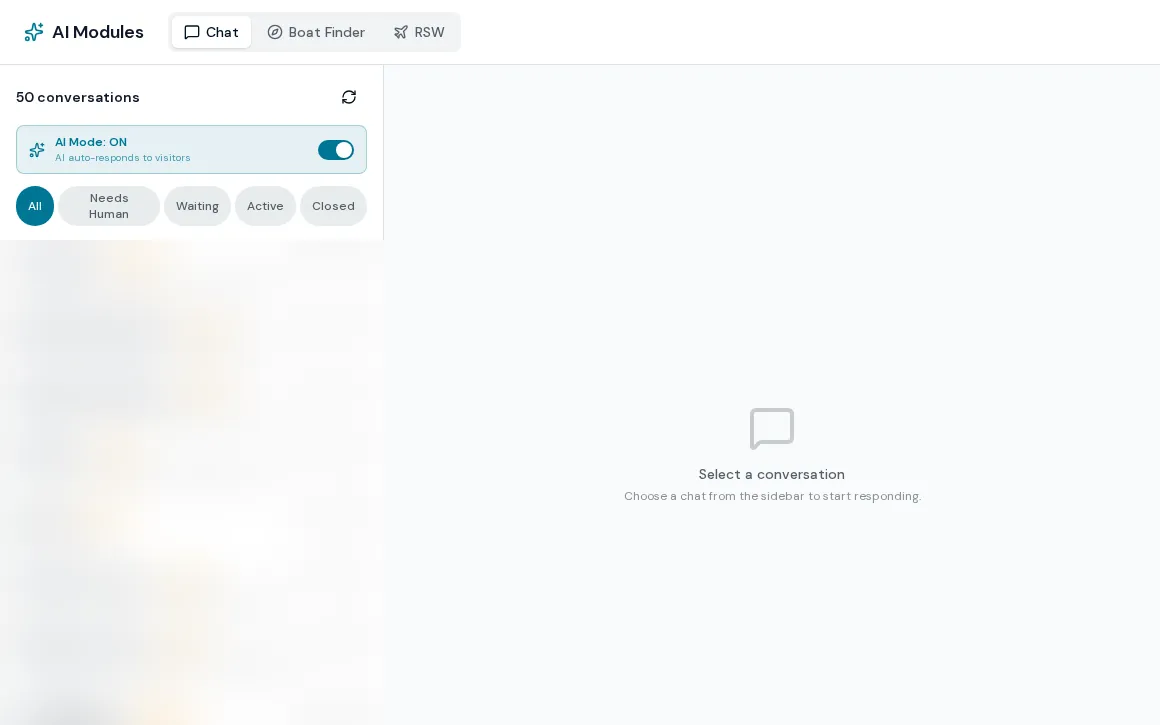
Useful AI with the controls in your hands
AI for boat dealerships should be something you can inspect, so the rules sit in settings. AI drafts follow-ups from the lead, customer or deal record, and a help assistant answers staff questions from the platform guides and live data. Every prompt that shapes AI output is stored in editable settings, not buried in the software, and every AI feature runs through one governed gateway with budgets.
- One-click AI email drafts for leads, customers and deals, grounded in the record and edited before sending
- More than thirty AI instructions editable per dealership, each with reset to default
- A shared knowledge base for company info, policies and FAQs that AI features draw on
- A help assistant behind the header question mark that answers how-do-I questions and live-data questions, and files bug reports
- Budget guard: cap AI calls per user and per feature in a time window, with a friendly limit message
- Admins alerted when a spend cap is hit
How AI is controlled
- 01
Edit the instructions
Admins open the AI configuration and edit a prompt. A blank field falls back to a safe default.
- 02
Set the budget
Choose the window, calls per user and calls per feature. Changes apply within about a minute.
- 03
Staff use the drafts
Drafts appear in the composer for the rep to edit and send. Nothing sends without a person.
- 04
Review usage
Ask and help conversations are logged, and admins can review them.
What AI assistants do not do yet
Models are chosen platform-wide
You edit the instructions and budgets. You do not pick the model behind each feature.
The help assistant is narrow
It searches a small set of platform guides, its error-code lookup is a placeholder, and it has no voice input.
Budget counters are approximate
Limits are tracked per server instance, not as one global count, so treat them as guardrails rather than exact meters.
AI task detection is unproven
Reading email and chat to create tasks is built, but it has not created a task in production yet, so no results are claimed.
What dealers ask about this
Drafts are for a person to review. Only Sales Automations send without a click, they are off by default, and they pause on any real contact.
Yes. They are editable in the AI configuration, with a way to view the current default and reset to it.
Yes. The budget guard limits calls per user and per feature in a window you set, and an admin is alerted when a cap is hit.