Open the numbers yourself, live, any morning.
Boat dealership dashboards the owner can open any morning. Reports run on the same live records as the rest of BoaterOS, so the owner can open revenue, lead funnel and aging inventory without a spreadsheet or a phone call.
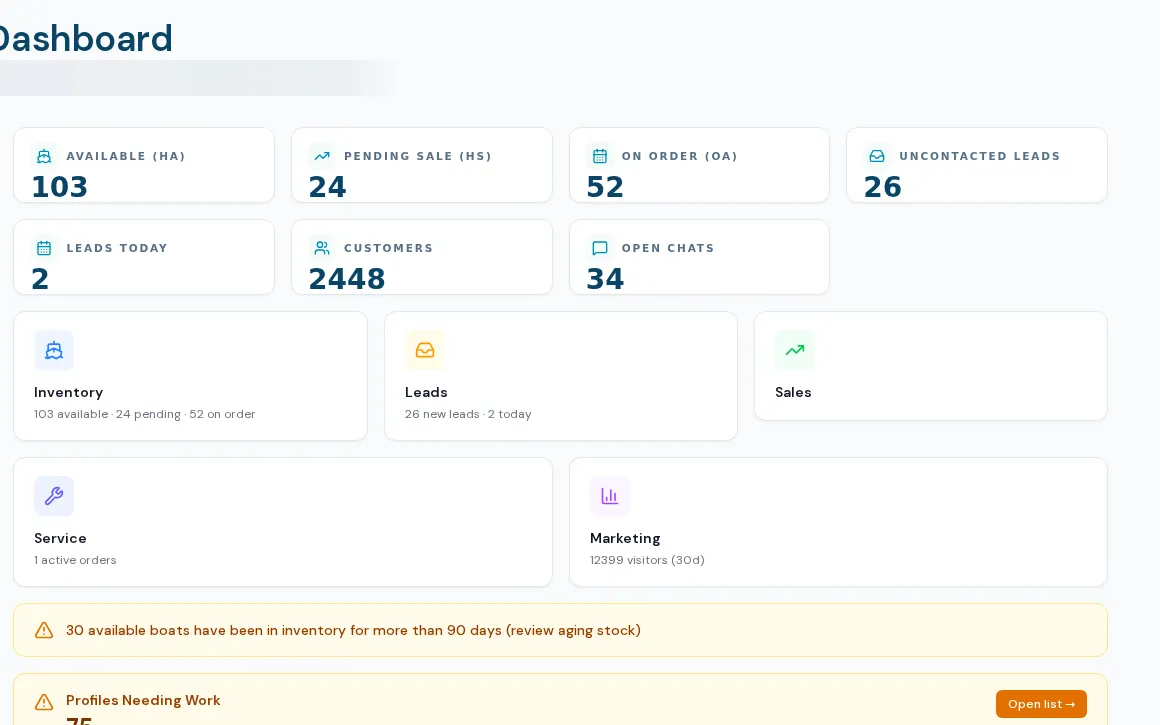
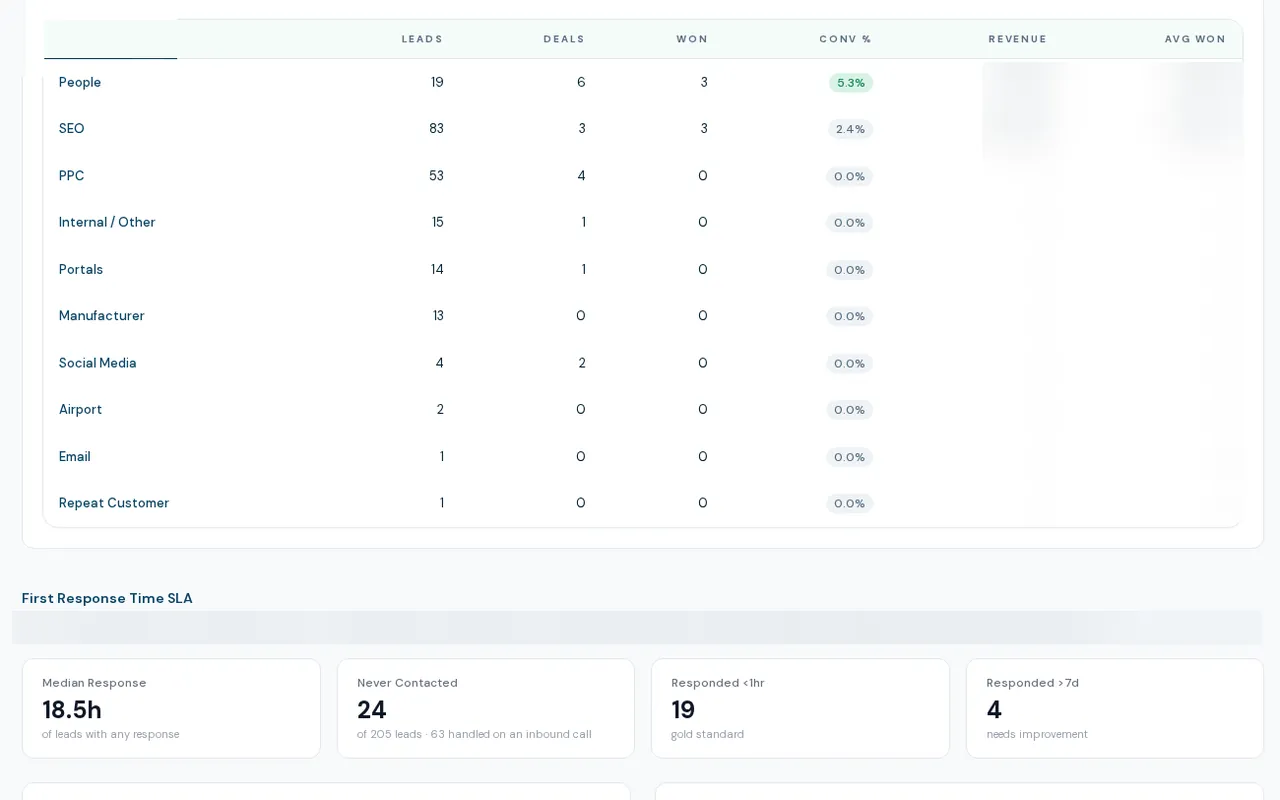
Eight live reports and a command center
Boat dealership dashboards in BoaterOS run on the same records your team works in. The reports are Sales & Revenue, Lead Funnel, Customer Lifetime Value, Customer Stats, Inventory Aging, Order-to-Delivery, Used Monitoring and Website Visitors. Nauticus is a full-screen command center with revenue, pipeline, lead sources, inventory, communications trend and a customer density map.
- Lead Funnel: leads by channel through to revenue, first-response time and rep activity
- Sales & Revenue with brokerage counted as commission only
- Customer lifetime value and a customer density map
- Inventory aging with thresholds you set, and used-boat monitoring by days live and price age
- Order-to-delivery cycle time, and anonymous or identified website visitors
- Nauticus: period selector, revenue trend, rep ranking, brand mix, funnel and inventory panel
How dealers use it
- 01
Open the Insights hub
Reports are grouped by operations, sales, marketing and service. Live reports carry a Live pill; unbuilt ones say Soon.
- 02
Pick a period
Date ranges and presets apply to the funnel, revenue and cycle reports.
- 03
Drill in
Channel tables, rep tables and aging lists link back to the records.
- 04
Put Nauticus on the wall
Open the command center full screen for a shop-wide view.
increase in leads arriving with a known source. Organic search turned out to be the #1 lead channel.
What insights dashboards do not do yet
Several reports are placeholders
More report pages are listed as coming soon and query nothing yet, including service reporting and email list health.
No exports or scheduled reports
There is no CSV or PDF export and no scheduled email of any report.
Nauticus figures can differ from the reports
Most command center panels ignore the period selector, and its "won" count is stricter than the Sales & Revenue report, so the two can disagree. It also carries one dealership's branding today.
Dealership-wide, mostly for admins
Reports are not scoped per rep, and most are available to admins only. No ad-spend or return-on-ad-spend view is available.
What dealers ask about this
From the same records your team works in: leads, deals, listings, communications and website activity. There is no nightly copy to a separate reporting tool.
The Sales & Revenue report uses one set of rules: sale price only, brokerage as commission, and the buyer side of a brokered resale as zero. Nauticus uses some different definitions, so use the report for revenue.
Access is by section. Admins see everything; a manager or staff member whose access includes Insights can open the staff-level reports.